ADVERTISEMENT
The Design Space: DIY with Cricut app is an innovative platform designed for crafting enthusiasts and DIY creators seeking total creative freedom in their projects. This app targets individuals who enjoy expressing their creativity through crafting, whether they are beginners or seasoned professionals looking to turn their ideas into tangible creations. With the ability to connect seamlessly to Cricut Explore™ or Cricut Maker™ machines, users can design, cut, or draw with ease. The app empowers users to bring their unique visions to life, making it a must-have for anyone interested in personalized crafts. 🎨
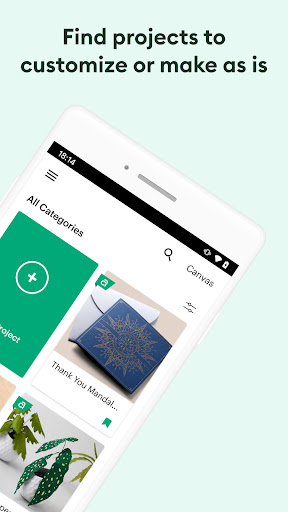
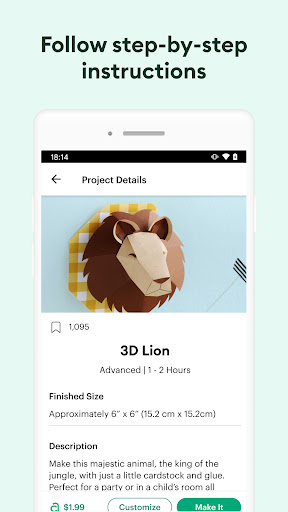
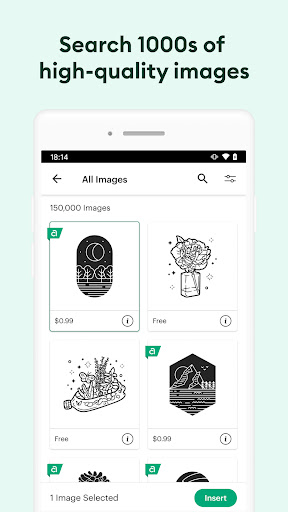
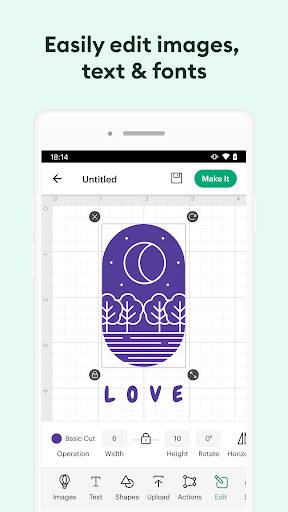
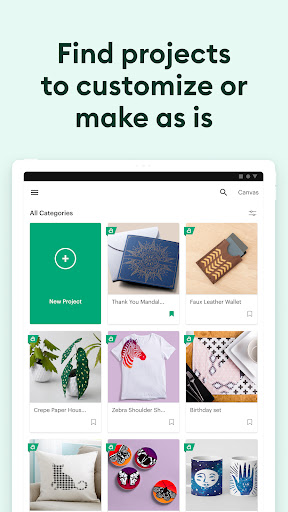
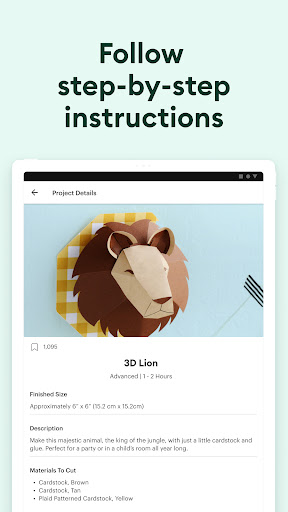
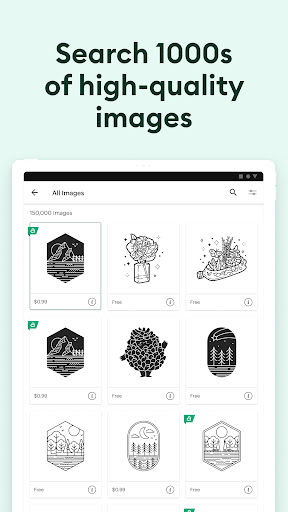
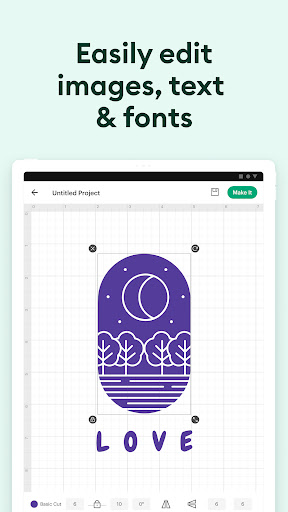
1. Vast Image Library: The app offers access to thousands of images, fonts, and ready-to-make projects in the Cricut Image Library, providing endless inspiration. Users can customize these resources or start from scratch, making it easy to find something that fits their vision perfectly.
2. Cloud-Based Syncing: With cloud-based syncing across devices, users can create from anywhere and at any time. Whether inspiration strikes at home or on the go, downloading the Design Space: DIY with Cricut app ensures that your projects are always accessible and up-to-date.
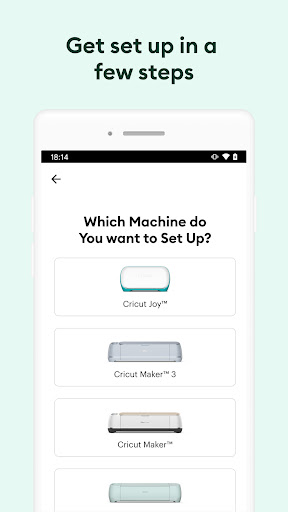
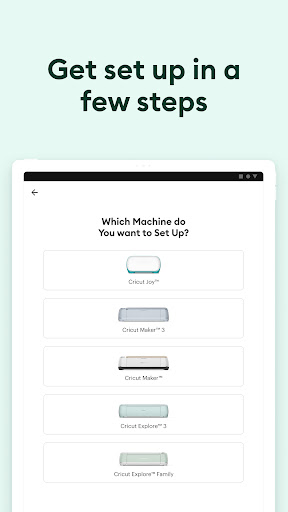
3. Bluetooth® Connectivity: This app allows seamless connections to compatible Cricut machines via Bluetooth®. This feature enhances user experience by eliminating the need for wires, providing a cleaner and more efficient workflow.
4. Latest Features: The app keeps up with technology by introducing features like kerning, spell check, and right-to-left text. Upgrading to Android 9 or above maximizes the app's capabilities, making it even more valuable for users. If you are looking to enhance your crafting experience, be sure to install the Design Space: DIY with Cricut app to take advantage of these features! 📱
1. Interface Navigation: While the app is feature-rich, some users find the interface a bit cluttered, which can make navigation challenging. Simplifying the design could improve user experience, making it easier for creators to find what they need.
2. Compatibility Issues: Although the Design Space: DIY with Cricut app is designed to work across various devices, some users report occasional compatibility issues with specific Android and iOS devices. Addressing these concerns would enhance the accessibility of the app.
3. Learning Curve: New users might experience a steep learning curve when using advanced features. Providing more detailed tutorials and guides could help beginners get familiar with the app, ensuring everyone feels comfortable exploring its capabilities. 📘
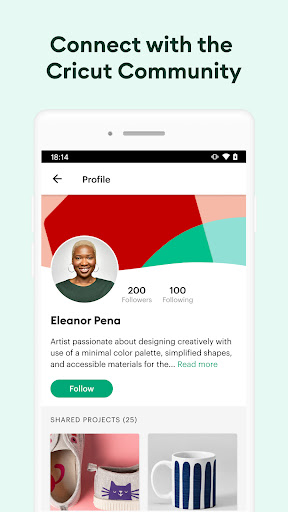
User feedback for the Design Space: DIY with Cricut app is mixed, with both positive and negative comments. On the positive side, many users appreciate the extensive image library and customizable options, highlighting how it has transformed their crafting experience. They love the idea of creative freedom and often mention the app's convenience for on-the-go projects.
However, negative comments often focus on bugs and performance issues, particularly during high-demand operations. A few users have also expressed frustration with the app crashing unexpectedly, which disrupts their creative flow. Nevertheless, many agree that the benefits outweigh these drawbacks, making the app a valuable tool for any DIY enthusiast. 🤔
ADVERTISEMENT
Safe & Fast App Downloads on Tapocket
Tapocket secures downloads of the Design Space: DIY with Cricut with signature verification.