ADVERTISEMENT
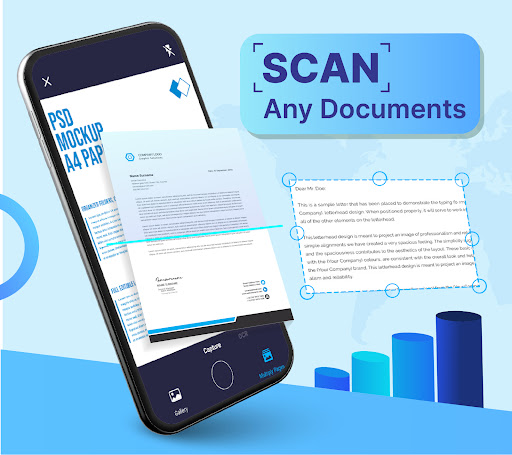
The Document Scan: PDF scanner app stands out as a versatile tool tailored for individuals who require efficient document management on the go. Its main audience includes students, professionals, and anyone in need of creating and processing digital documents quickly. By allowing users to easily scan paper documents, convert them to PDF, and even extract text from images, this app enables users to maintain productivity and accuracy. With both Android and IOS platforms supported, users can download the Document Scan: PDF scanner app for free, making it an accessible option for a broad range of users across different devices. 📱
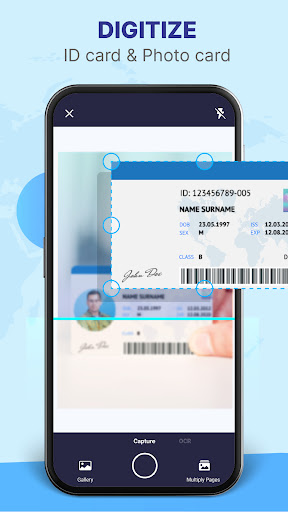
1. Smart Document Scanner: The app features a robust scanning capability that identifies document edges, ensuring every scan is perfectly aligned. This utility simplifies the digitization process for various document types, from PDFs to handwritten notes. With just a few taps, users can turn their physical paperwork into digital formats, which is essential for maintaining organization.
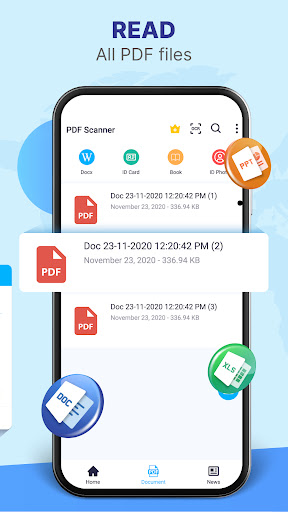
2. Fast PDF Reader and Converter: Instantly open and view your PDF documents with the integrated reader. The app also converts images and scanned files into PDFs within seconds, streamlining workflow. This feature is perfect for busy individuals looking to save time. Users can trust the Document Scan: PDF scanner app to enhance their productivity without any hassle. 🕒
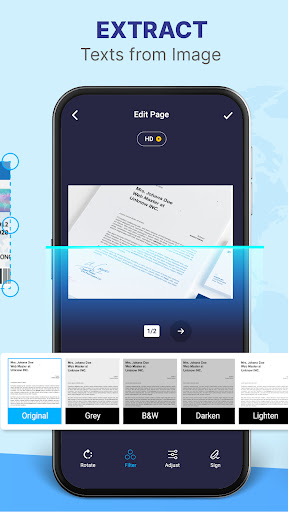
3. Image to Text Scanner: Utilizing advanced OCR technology, this app allows for seamless conversion of images to editable text. Whether it’s a printed report or handwritten notes, this function saves precious time and ensures accuracy in document transformation. Users can install the Document Scan: PDF scanner app to experience the ease of converting documents into digital formats.
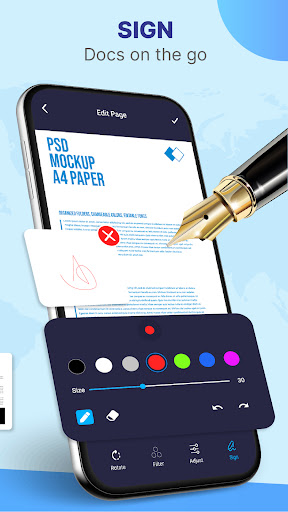
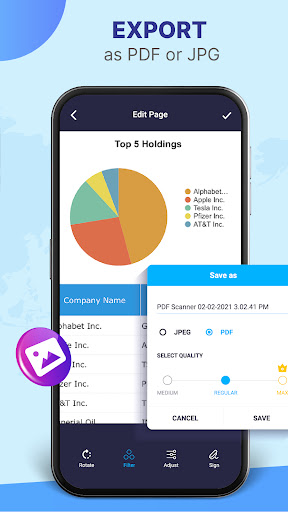
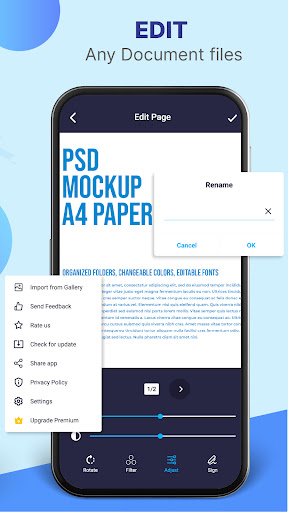
4. Comprehensive Document Editor: After scanning, users can refine their documents with editing tools that include text adjustments, image cropping, and orientation changes. This makes the app not just a scanning tool but a complete document management solution. Perfectly edited documents can be saved and shared effortlessly via email or social media, enhancing user experience and efficiency. 🚀
1. Improved OCR Accuracy: While the OCR feature is impressive, there are occasions where the text conversion may have inaccuracies. Enhancing this feature would make the Document Scan: PDF scanner app more reliable for users relying on precise text extraction.
2. Customization Options: Users might benefit from additional customization features for editing documents, such as more fonts and text styles. This could enhance the personalization of converted content and make it more visually appealing.
3. User Interface Updates: Some users have suggested that the overall interface could be more intuitive. An updated design could improve user navigation, especially for new users downloading the APK for the first time. 🛠️
User feedback is essential for any app's growth, and the Document Scan: PDF scanner app has received mixed reviews. Positive comments often praise its user-friendly interface and efficiency in scanning documents, highlighting how it significantly improves productivity. "This app has changed how I manage my documents!" says one happy user. 🌟
However, some users have encountered issues with OCR accuracy and the occasional lag during the scanning process. "I love the idea but wish it worked better for handwritten notes," a user commented. Balancing these feedback points will ultimately help improve the app and solidify its place as a leading document management solution. 📝
ADVERTISEMENT
Safe & Fast App Downloads on Tapocket
Tapocket secures downloads of the DS Camera Scanner & Photo with signature verification.