ADVERTISEMENT
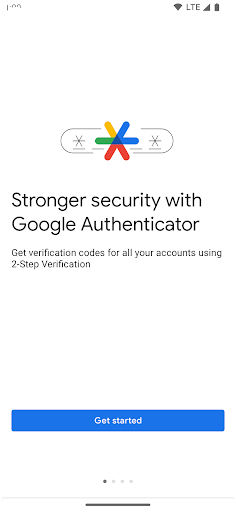
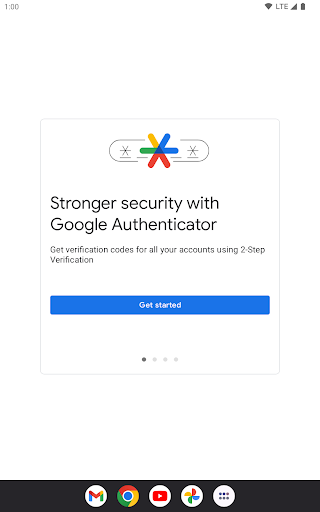
The Google Authenticator app is a vital tool designed to enhance the security of your online accounts. With rising concerns over cyber threats and account breaches, the app targets those who prioritize safety in their digital lives. Anyone who regularly uses online services—whether for personal or professional purposes—should download the Google Authenticator app to ensure their accounts are safeguarded against unauthorized access. The app is available for both Android and IOS, providing a seamless experience for users across various platforms. 🔐
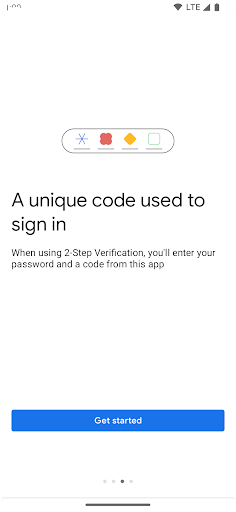
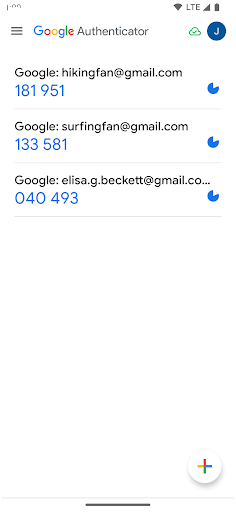
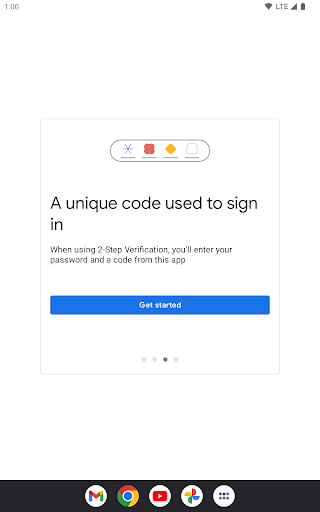
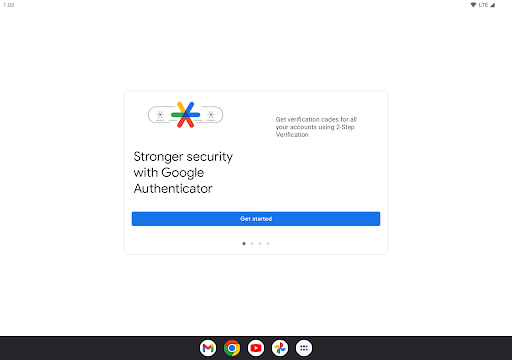
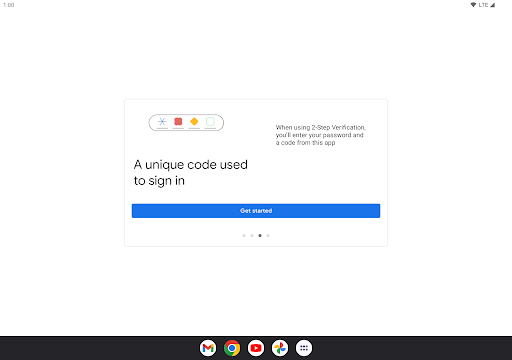
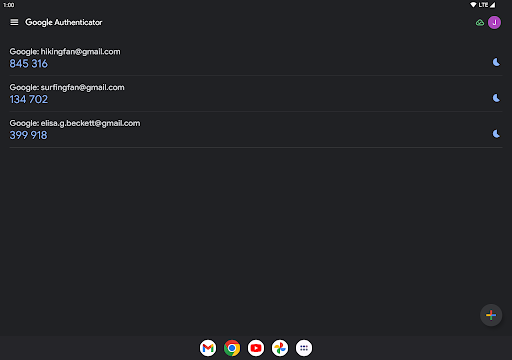
1. Two-Step Verification: The primary feature of the Google Authenticator app is its ability to provide an extra layer of security through two-step verification. This means that even if someone knows your password, they will still need a unique code from the app to access your account. This significantly reduces the chances of unauthorized access.
2. Offline Functionality: The app generates codes even without network or cellular connections, ensuring that you can always verify your identity. This is particularly useful in environments with limited connectivity, making the Google Authenticator app reliable and efficient.
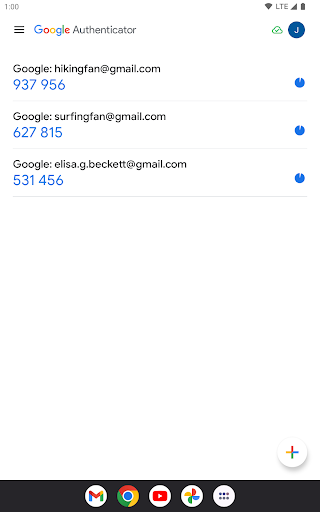
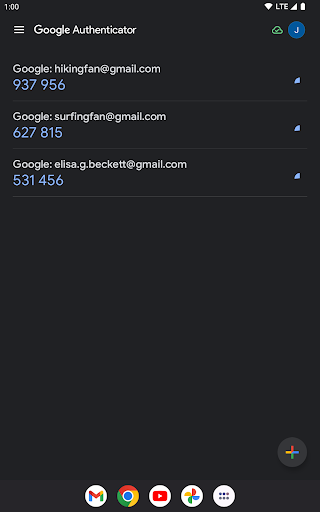
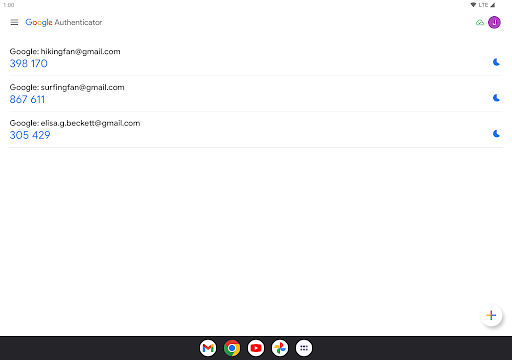
3. Account Management: Users can manage multiple accounts in one place, reducing the hassle of switching between different authentication apps. By allowing you to install the Google Authenticator app for various services, it streamlines the login process.
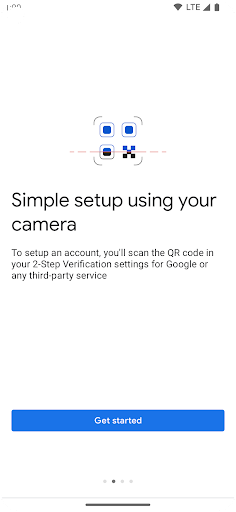
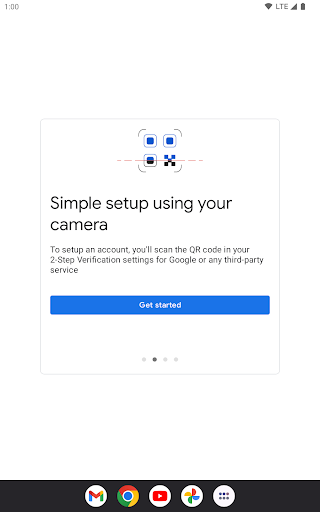
4. Easy Setup with QR Codes: Setting up new accounts is quick and straightforward with QR codes. This feature allows users to scan codes via the app, eliminating typing errors and ensuring correct configuration. By utilizing these features, users are encouraged to download the Google Authenticator app for a hassle-free experience. 📲
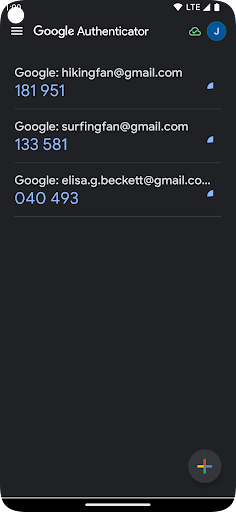
1. User Interface: The interface could be more intuitive and visually appealing. A refreshed design would enhance user experience and make navigation easier for new users of the Google Authenticator app.
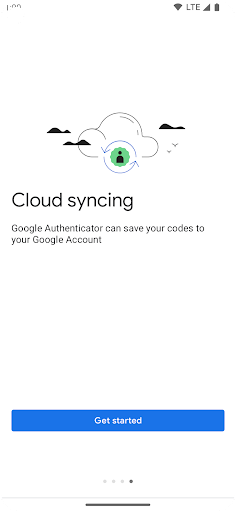
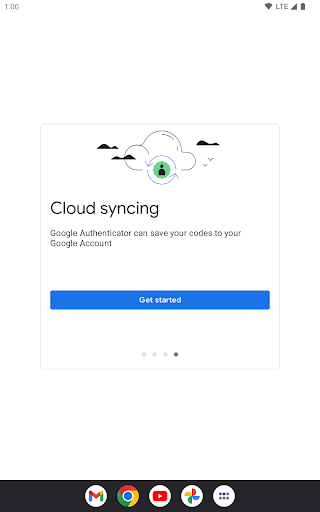
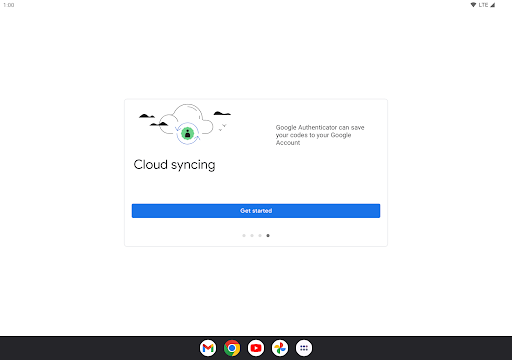
2. Backup Options: Although syncing to your Google Account is available, more robust backup solutions would help users easily restore their accounts should they lose access to their device. Enhancing this aspect would make the app even more secure and user-friendly.
3. Compatibility with Additional Platforms: While the app is available for Android and IOS, expanding compatibility to more platforms or even offering a web version could benefit those who use various devices. Users want flexibility, and enhancing the options available would make the Google Authenticator app more inclusive. 🌟
User feedback on the Google Authenticator app has been predominantly positive. One user praised its simplicity and effectiveness: “It’s free and secure, a must-have for anyone who cares about their accounts,” showcasing how it meets its security goals. Another user noted, “The QR code setup is a lifesaver; I can install the Google Authenticator app without any hassle.” 😃
Conversely, some users have pointed out areas needing improvement. A user mentioned, “I wish there were more backup options,” indicating a desire for greater security features. Others echoed this sentiment, stating that while it’s great for secure management of accounts, any loss of the device could lead to complications. Overall, the Google Authenticator app is well-regarded, but some users seek enhancements to elevate their experience further. 📉
ADVERTISEMENT
Safe & Fast App Downloads on Tapocket
Tapocket secures downloads of the Google Authenticator with signature verification.